
Brand Color Palette Generator for Modern Branding
If you’re searching for a brand color palette generator, you’re probably not looking for just “pretty.”
You’re looking for something that works.
Because building a brand color palette is not the same thing as generating five random hex codes and calling it a day.
You need colors that:
- Feel aligned with your brand personality
- Work across website, social, and print
- Pass accessibility contrast checks per W3 standards of design (external link)
- Hold up when paired as headlines, buttons, backgrounds, and body text
That’s the difference between a basic random color palette generator… and a true branding color palette generator.
Let’s talk about it.
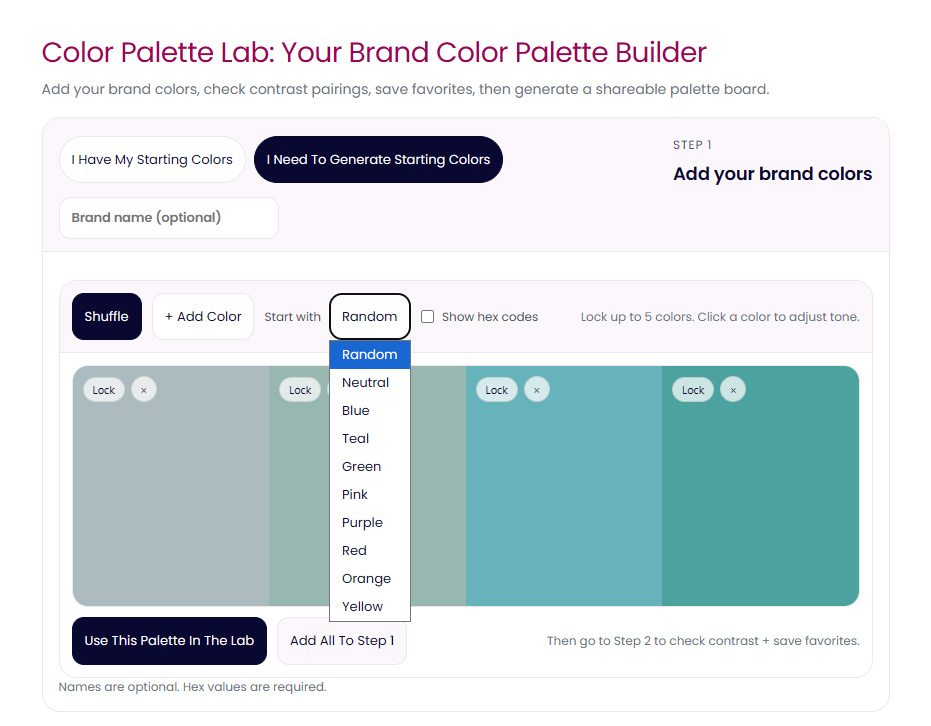
What Is a Branding Color Palette Generator?
A branding color palette generator like the Color Palette Lab helps you create a set of colors that work together strategically — not just aesthetically.
It should allow you to:
- Generate new palette ideas
- Lock colors you love
- Refine tones and balance
- Test contrast between text and backgrounds
- See real-world previews (buttons, headlines, body text)
Most tools stop at “generate.”
Real branding begins at refinement.
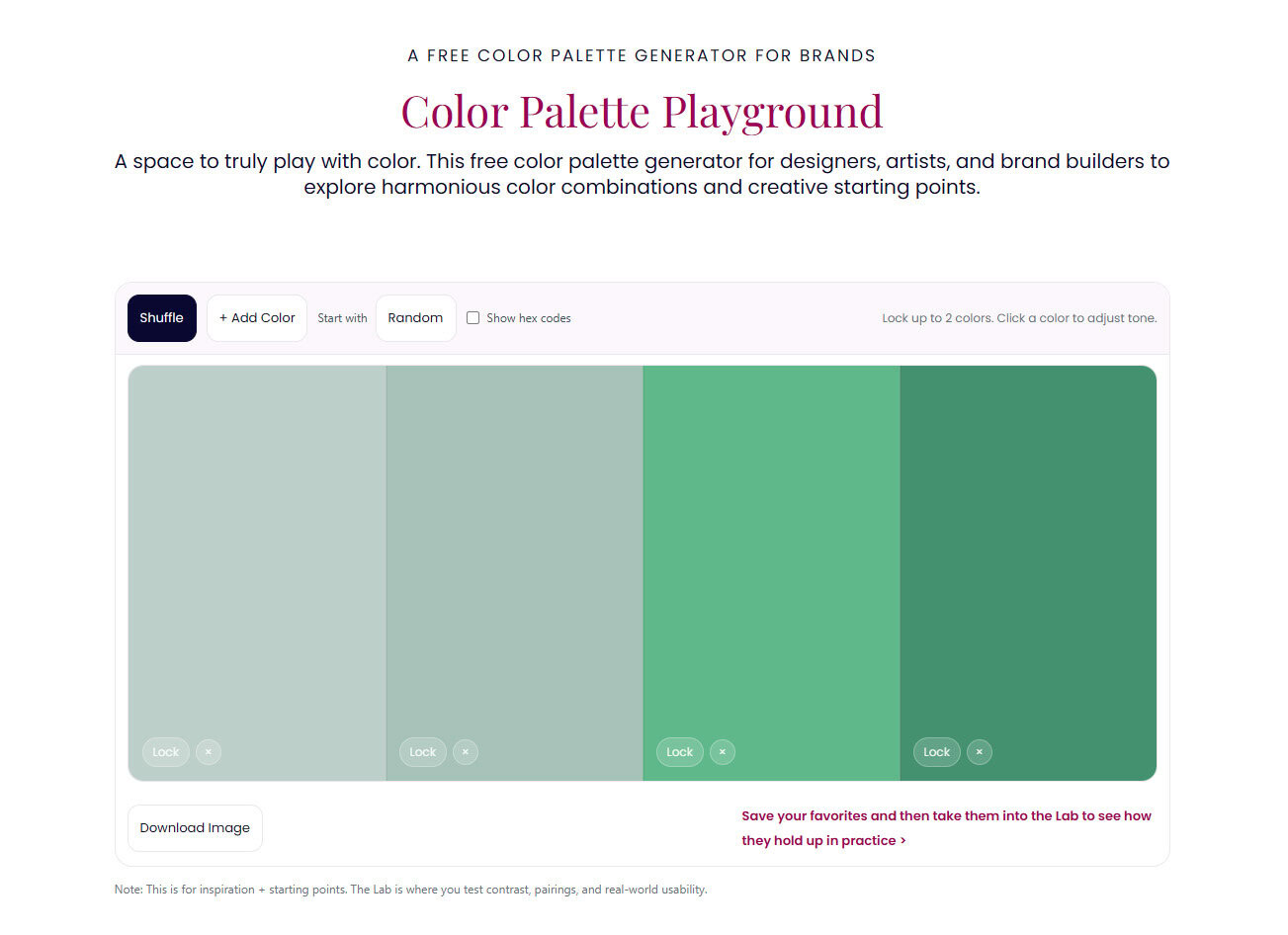
Random Color Palette Generator vs Branding Color Palette Generator
A random color palette generator, like my Color Palette Playground is great for exploration.
It’s playful.
It sparks ideas.
It helps you break out of creative ruts.
But branding requires more than randomness.
A true branding color palette generator should help you:
- Build around a hero brand color
- Adjust tonal shifts (lighter, darker, muted, saturated)
- Test accessibility (WCAG contrast)
- Create usable combinations for UI and marketing
- Ensure your palette feels cohesive, not chaotic
That’s where refinement matters.
Start Free: Color Palette Playground
If you just want to experiment first, use the Color Palette Playground.
It’s a free, browser-based color palette generator that lets you:
- Generate random palettes
- Lock 2 anchor colors
- Explore tonal shifts
- Play with combinations before overthinking
It’s fast. It’s intuitive. It’s creative momentum without pressure.
Perfect if you’re in early brand exploration mode.
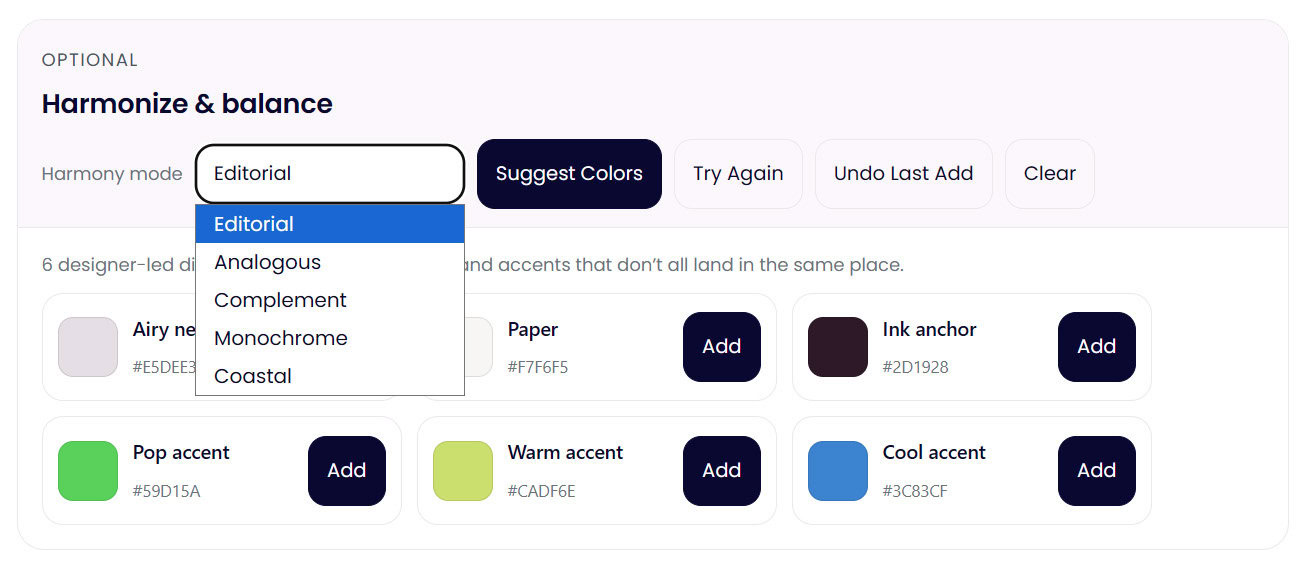
Refine Like a Designer: Color Palette Lab
If you’re building a real brand — or reworking one — the Color Palette Lab is the upgrade.
This is a full branding color palette generator and refinement tool.
Inside the Lab, you can:
- Generate structured brand palettes
- Lock multiple colors and build around them
- Harmonize palettes using real color theory rules
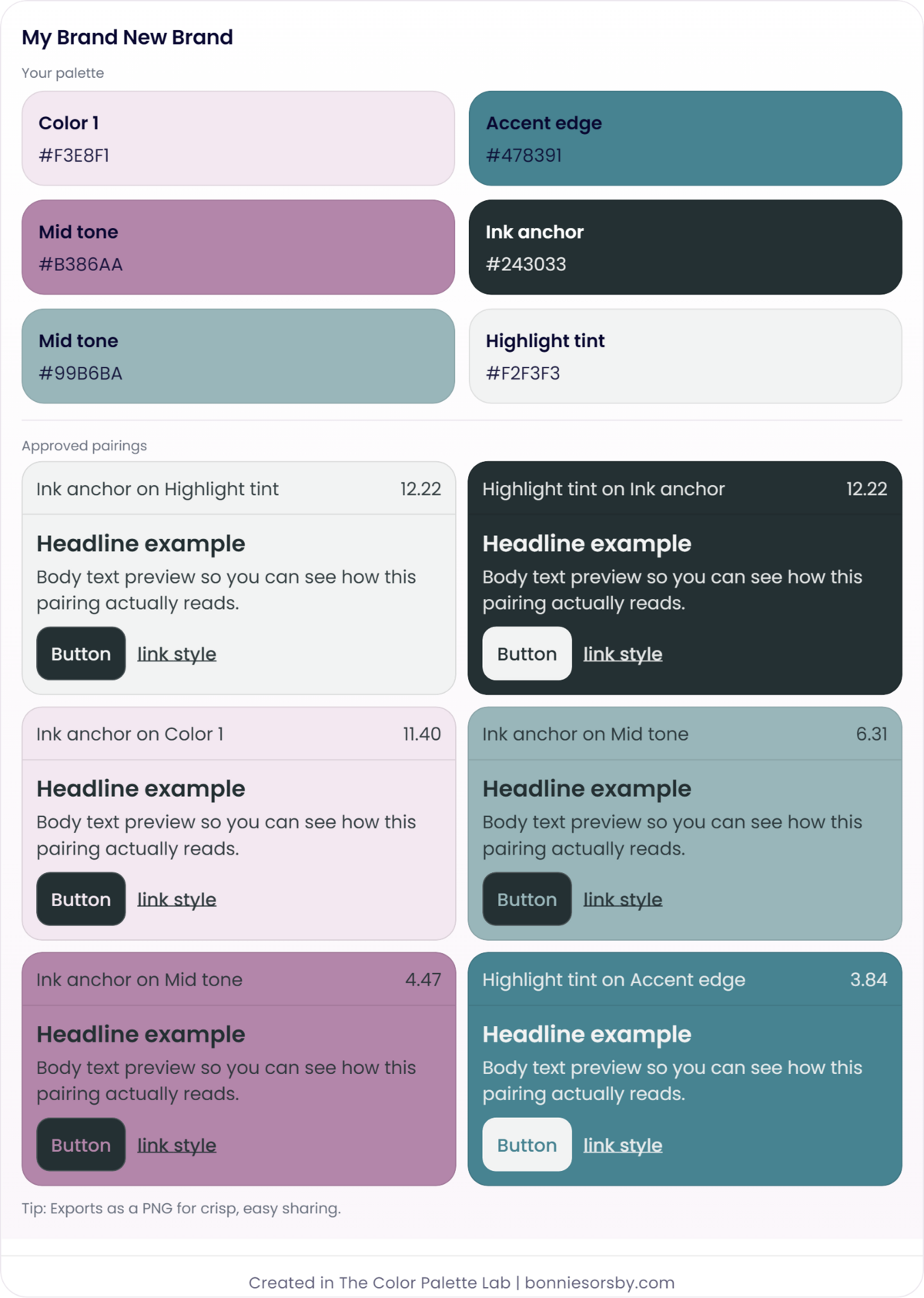
- Test headline, body text, button, and link contrast
- Check accessibility scores
- Refine tones until everything works together
It doesn’t just create palettes.
It stress-tests them.
Because a brand color palette shouldn’t just look good in a row of swatches.
It should work everywhere.
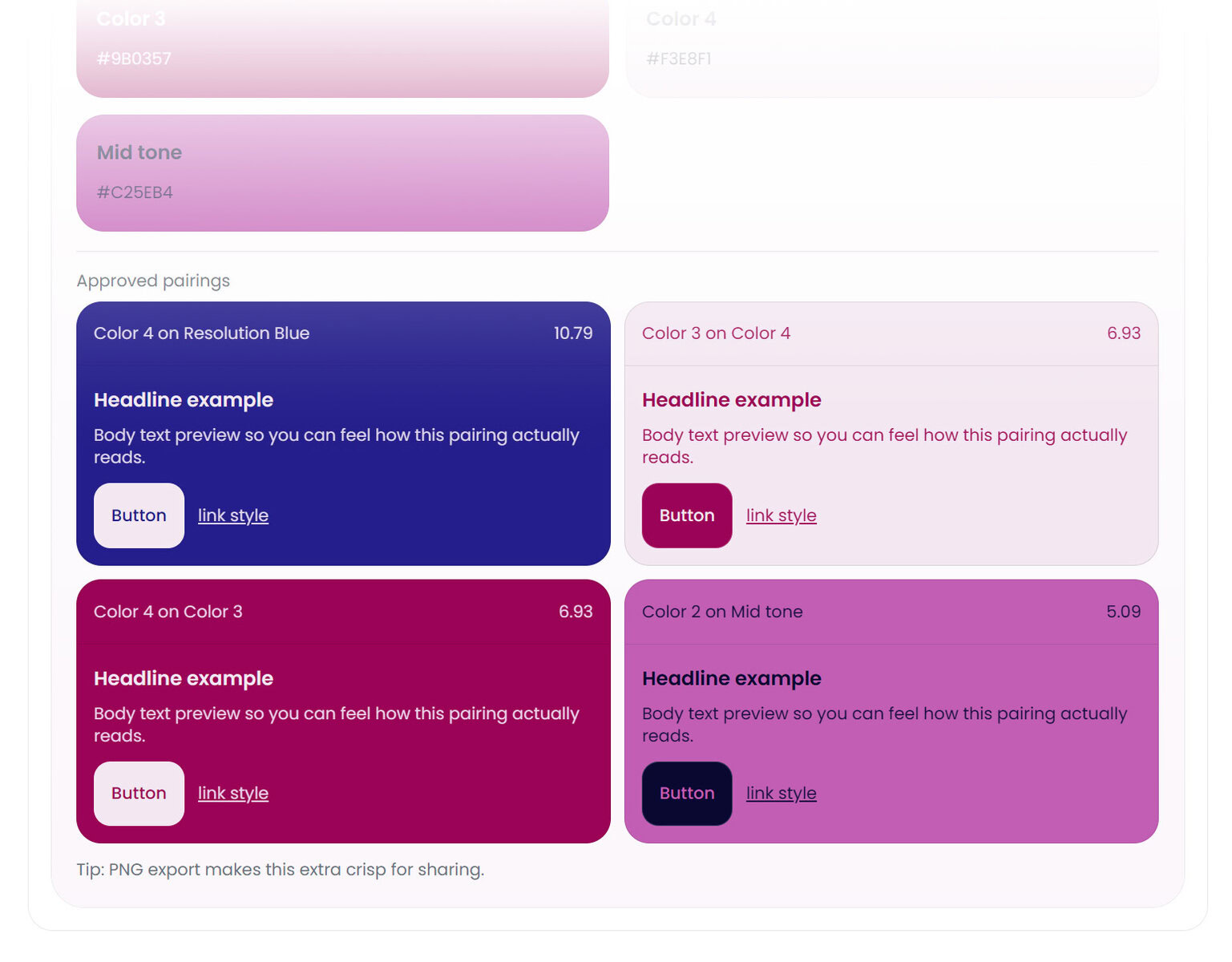
Why Your Brand Palette Needs Testing
The unfortunate truth is a palette can look beautiful… and still fail.
It can:
- Have low contrast between text and background
- Collapse visually when used in real layouts
- Feel vibrant in isolation but muddy when combined
A true brand color palette generator should help you catch those issues before you launch.
That’s why refinement and testing matter just as much as generation.
The Fastest Way to Build a Brand Color Palette
- Generate ideas (Playground or Lab)
- Lock what feels aligned
- Refine tones and balance
- Test contrast and usability
- Adjust until it works in real UI previews
That’s branding.
Ready to Build Your Brand Color Palette?
If you want to explore freely:
Start with the Color Palette Playground (free).
If you’re ready to build a polished, tested, real-world brand system:
Use The Color Palette Lab™.
Both tools were designed to replace the clunky generators I personally relied on for years and actually take things all the way.
Because random is definitely fun, but refined is powerful.