BRAND STYLE GUIDE BUILDER

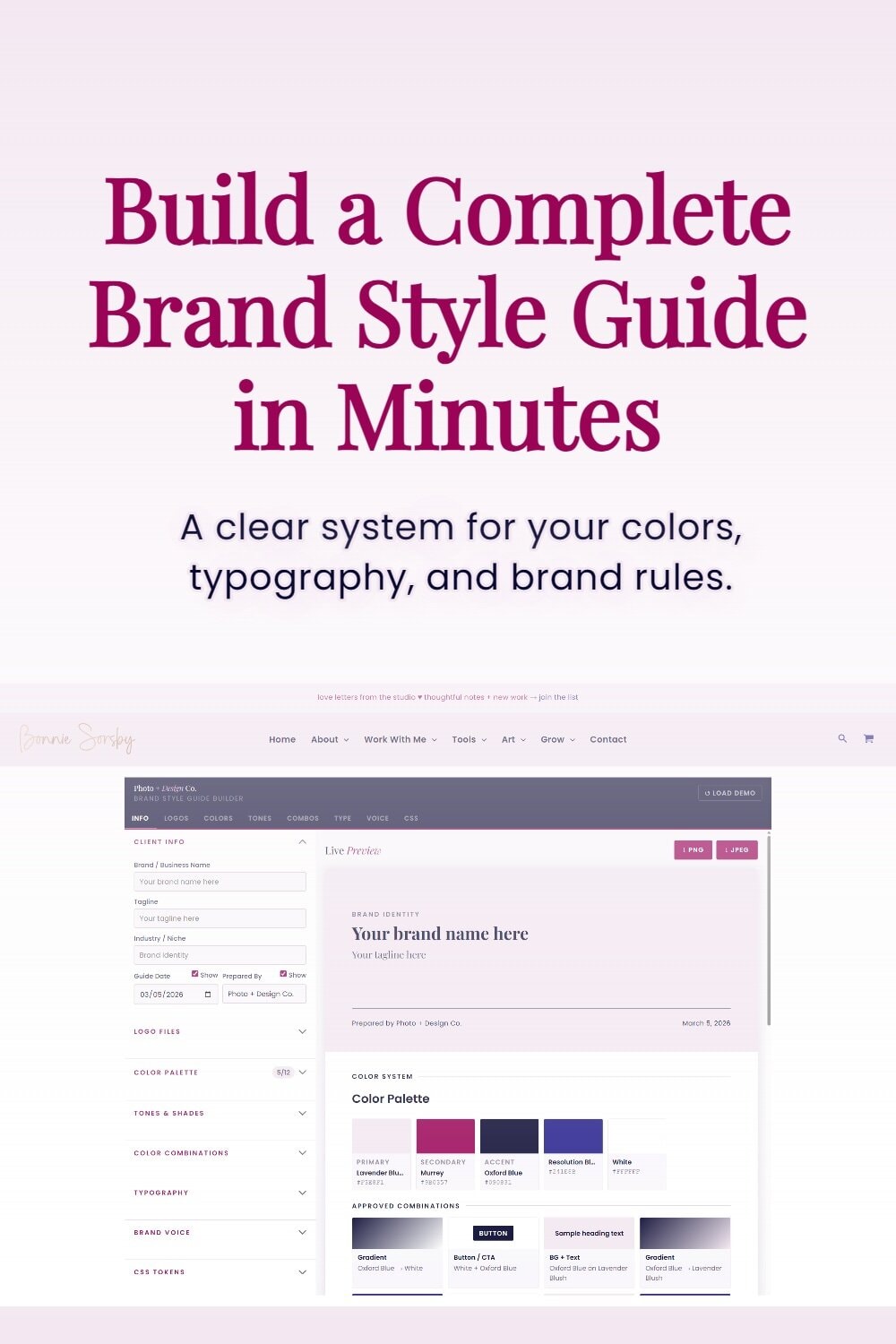
Build a Professional Brand Style Guide in Minutes

Design and organize your brand guidelines, typography system, and color hierarchy in one place — then export a polished style guide.

“This is just so cool!”

Brand Designer

Meet the Brand Style Guide Builder

A Simple Way to Build a Real Brand System

You’ll define:

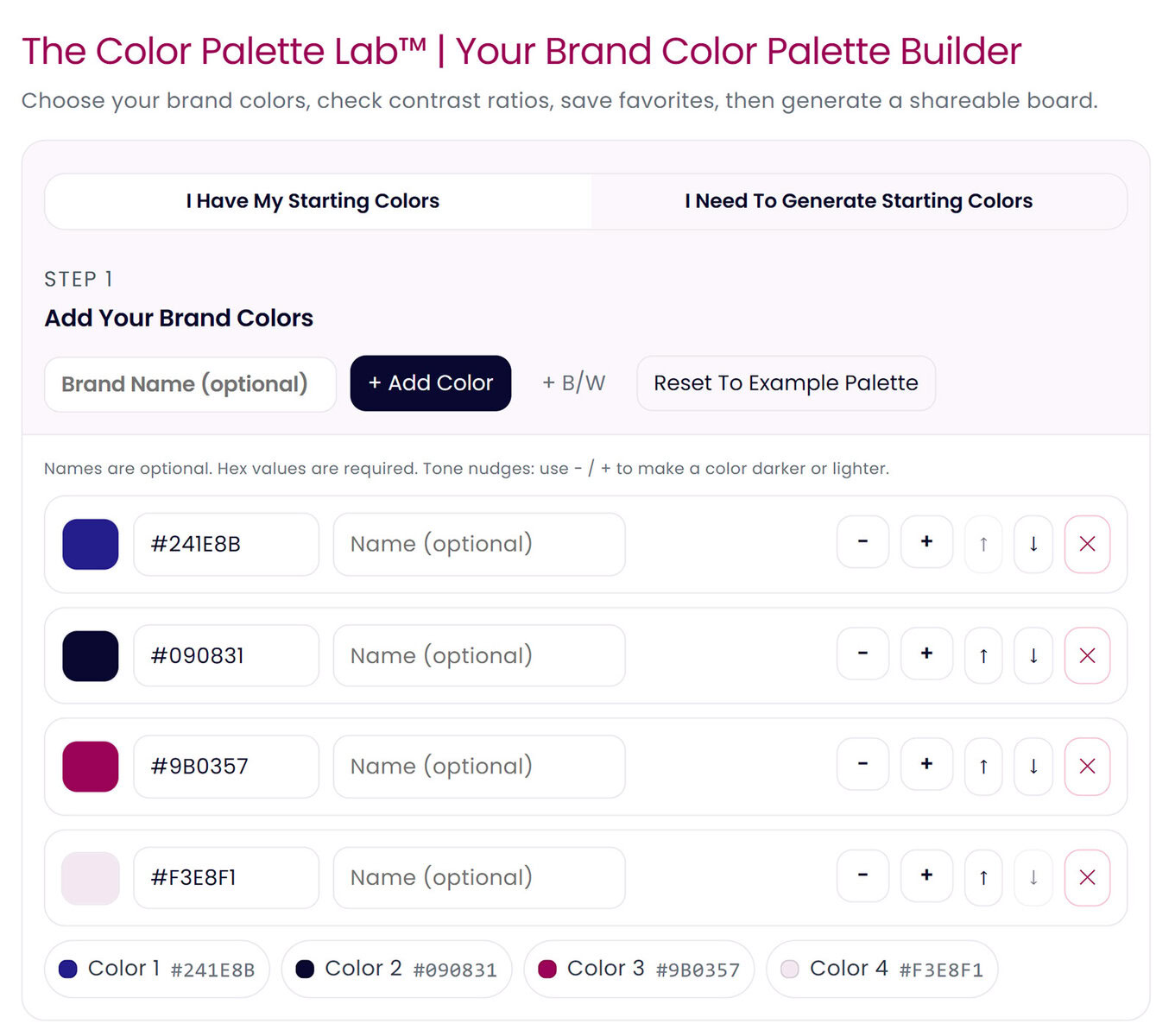
• your core brand colors
• shades and tones for flexibility
• primary and accent typography
• brand voice and personality
• visual usage guidelines

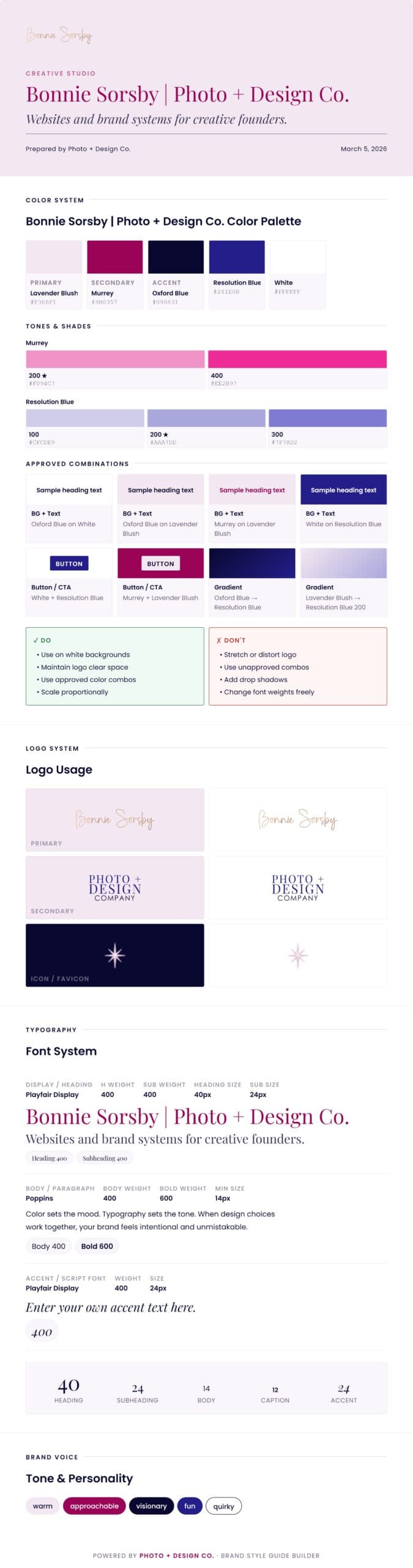
And everything gets organized into a clean, shareable brand guide.

How the Brand Style Guide Builder Works
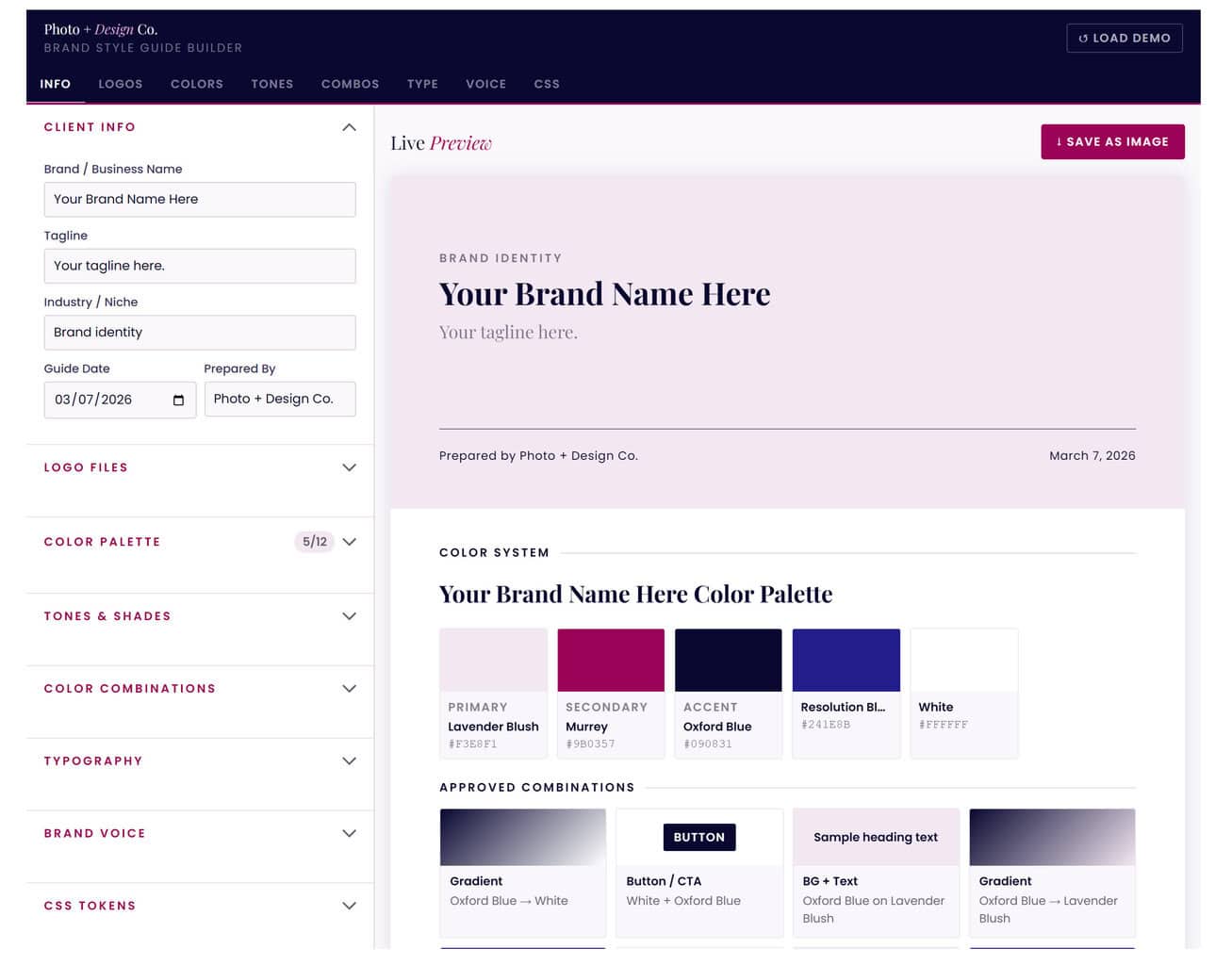
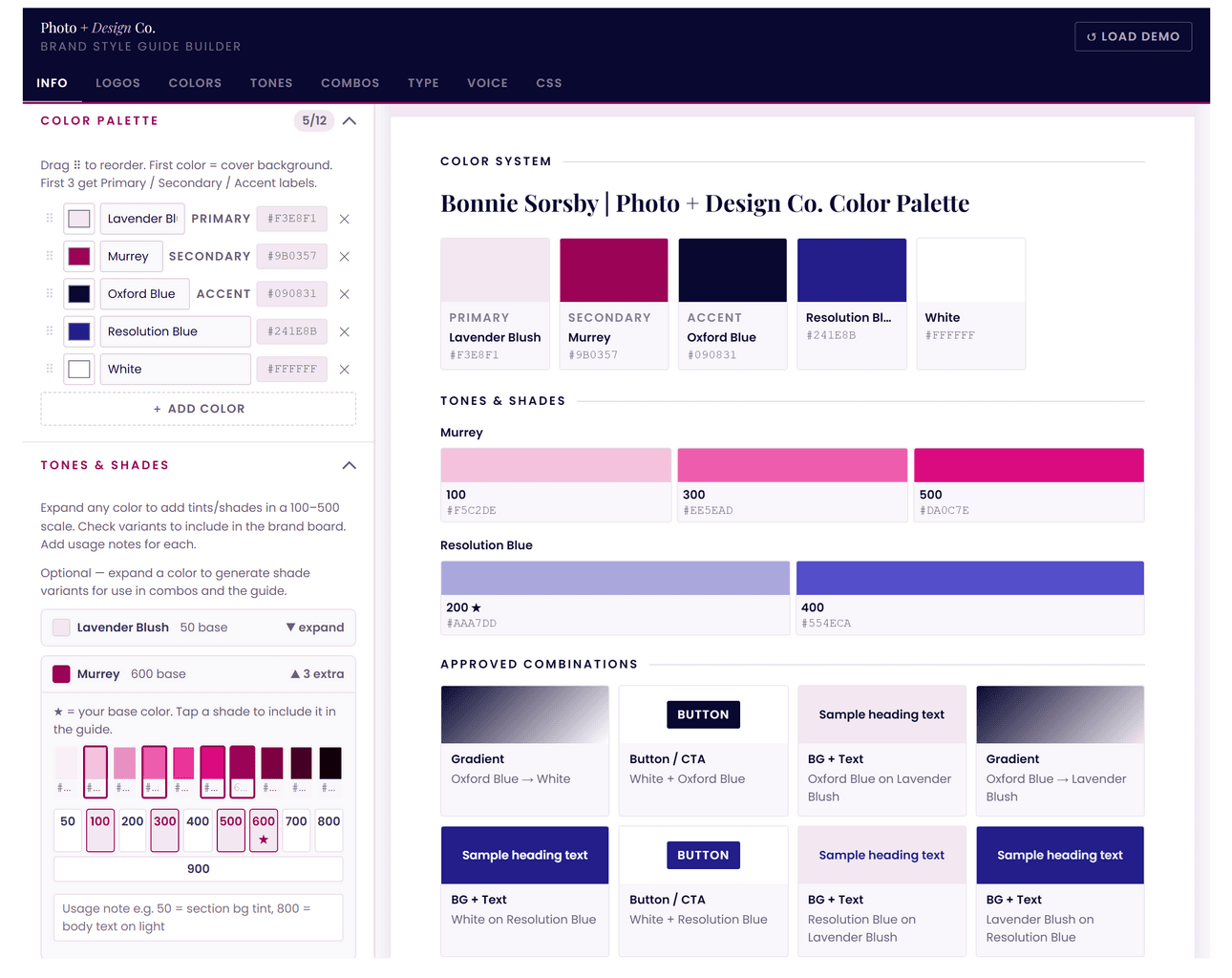
Step 1 — Define Your Color System

Step 1 — Define Your Color System

Choose your core colors and assign roles like:

• primary brand color
• secondary support colors
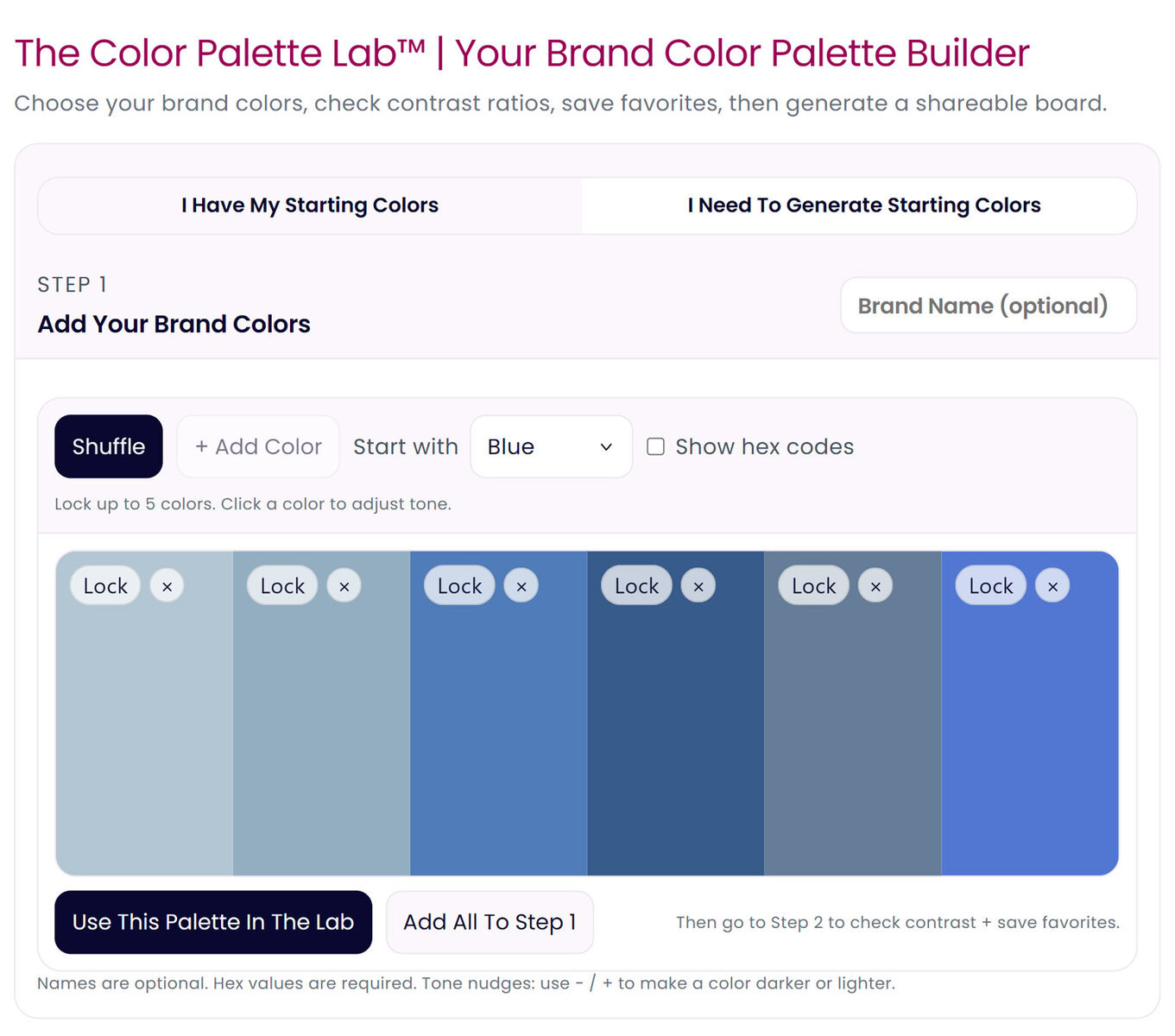
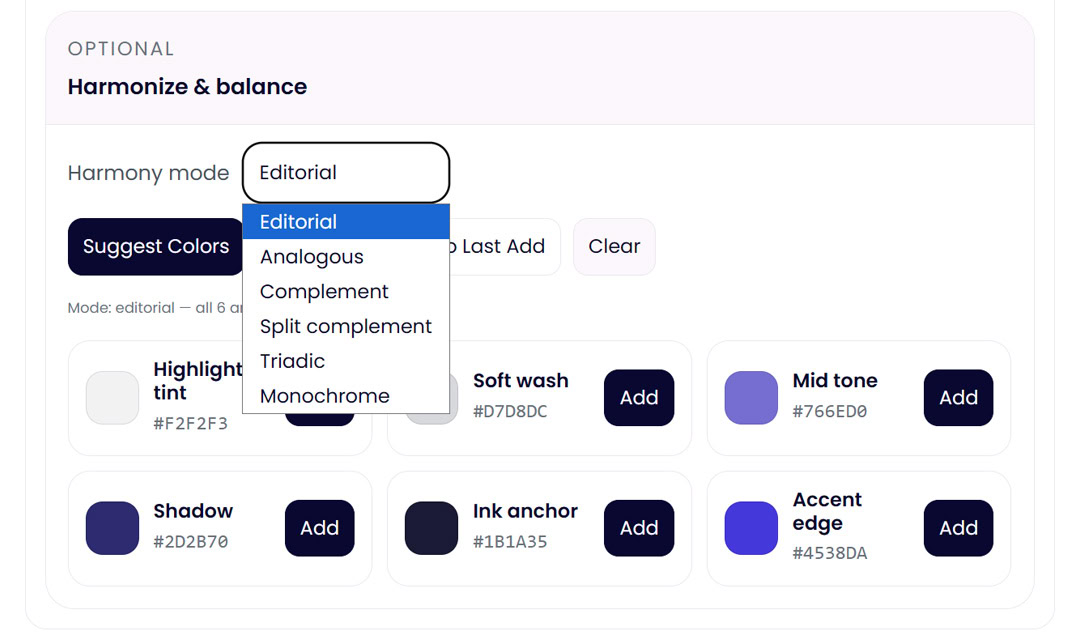
• accents, tones, and shades

This ensures your palette works across web, social, and print.

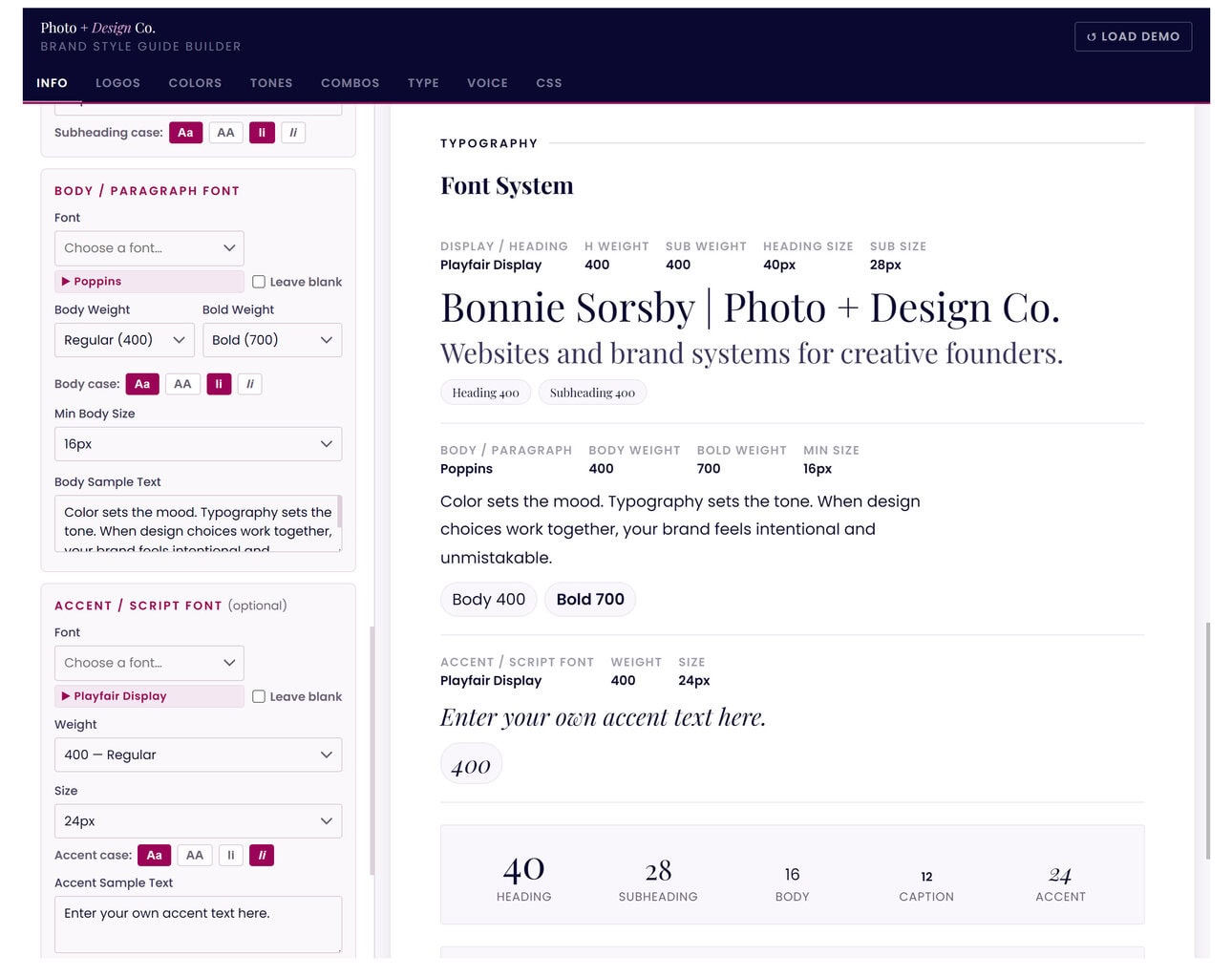
Step 2 — Assign Typography

Select your brand fonts and define usage:

• headings
• body text
• accent typography

No more guessing which font goes where.

“I’ve found this system so easy to use. I love how quickly I can create a whole style guide for clients.”

Brand Strategist & Designer

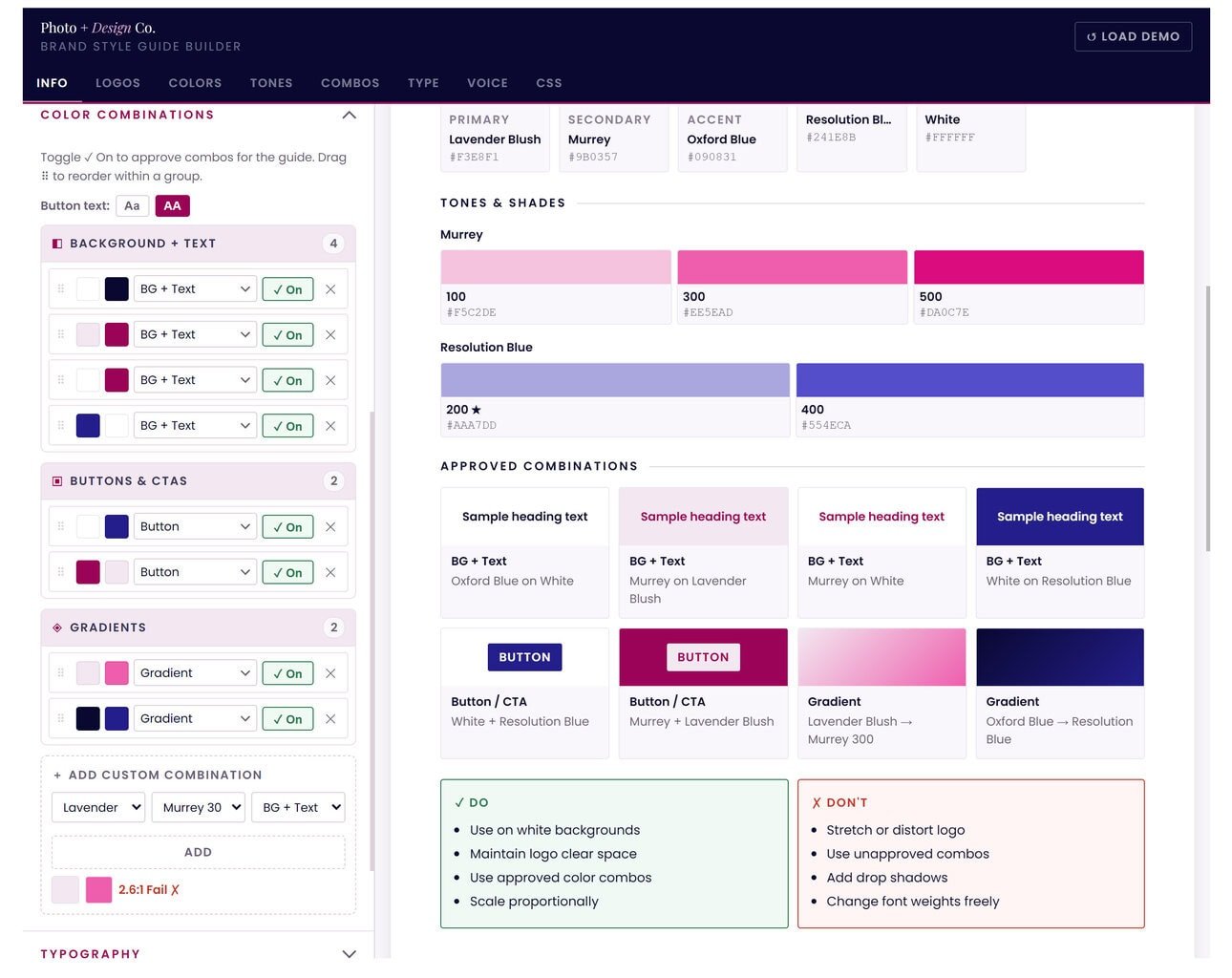
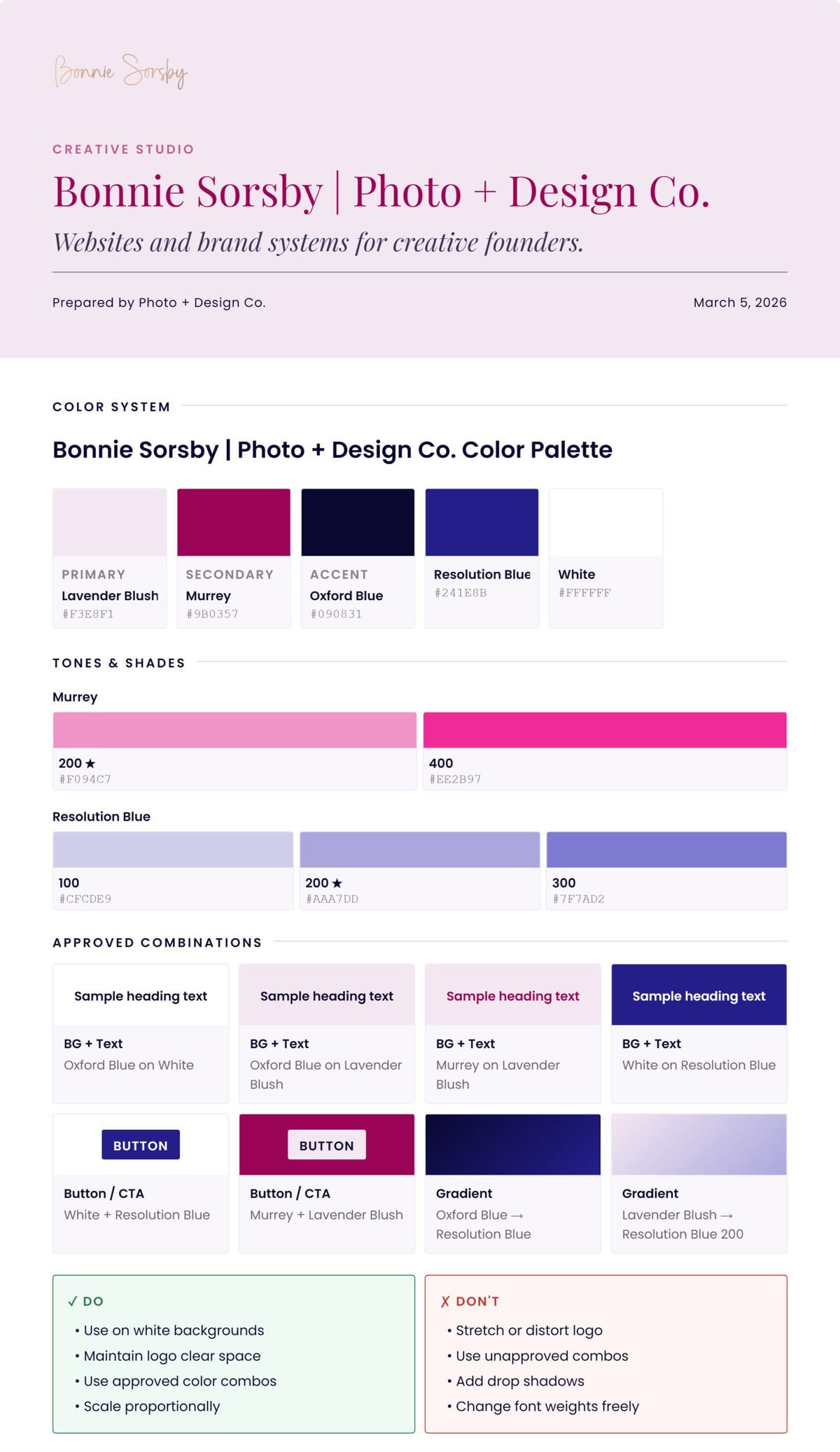
Step 3 — Set Approved Color Combinations and Brand Usage Rules

Define the guidelines that keep your brand consistent:

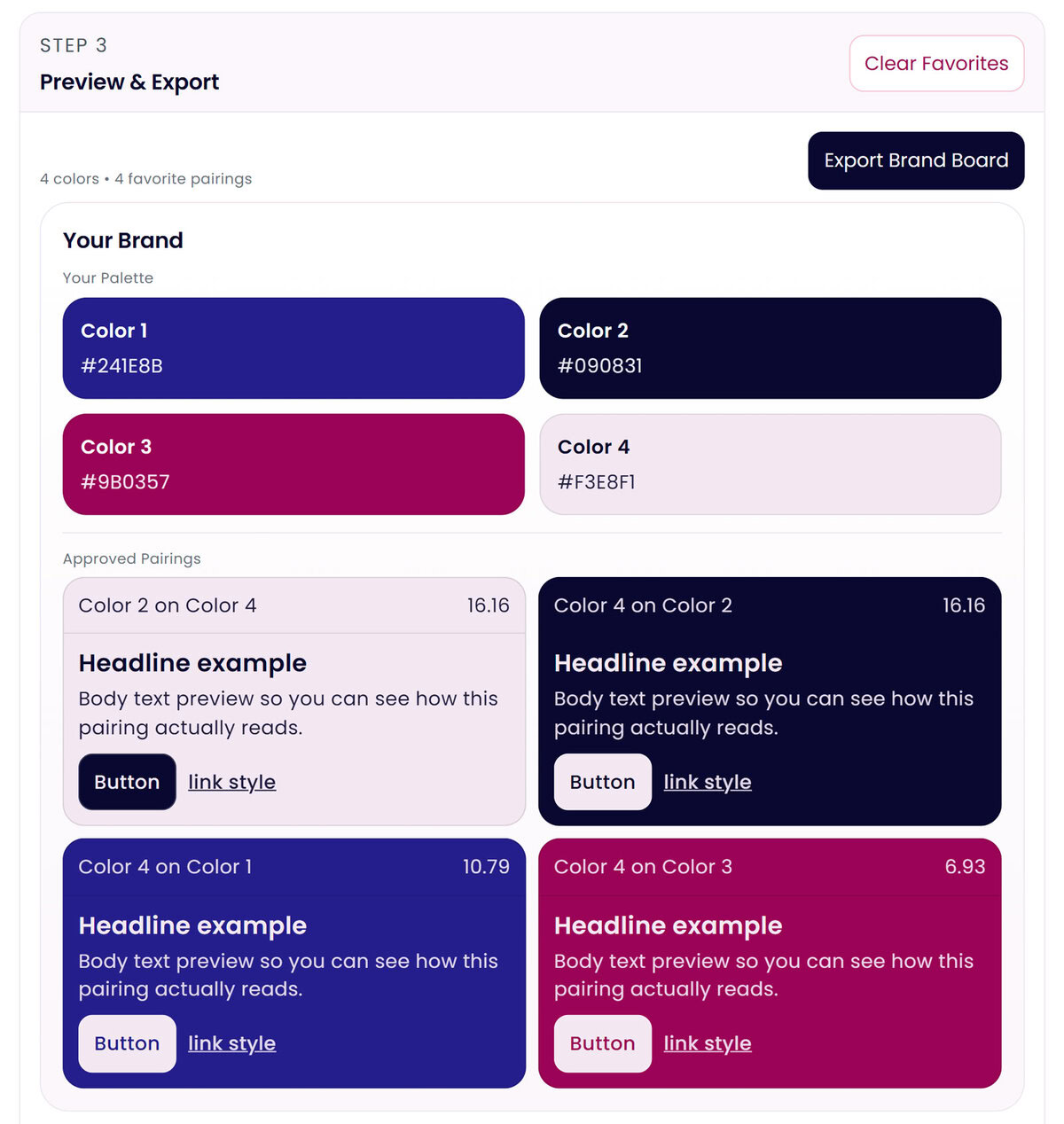
• color hierarchy & pairings
• typography hierarchy
• customizable do’s and don’ts

These are the small details that make brands look professional.

Step 4 — Export Your Brand Style Guide

Generate a clean visual brand guide you can:

• share with designers
• give to developers
• use as a reference for content

Your brand finally has a single source of truth you can reference and/or hand off to your team.

What People Are Saying

This made organizing my brand so much easier.

Small Business Owner

Such a smart tool for small business owners.

Agency Owner

I love seeing everything organized visually.

Entrepreneur

Sale!

Brand Style Guide Builder

Original price was: $59.00.Current price is: $29.00.

Beta Access — $29

Create a clear, professional brand system in minutes.

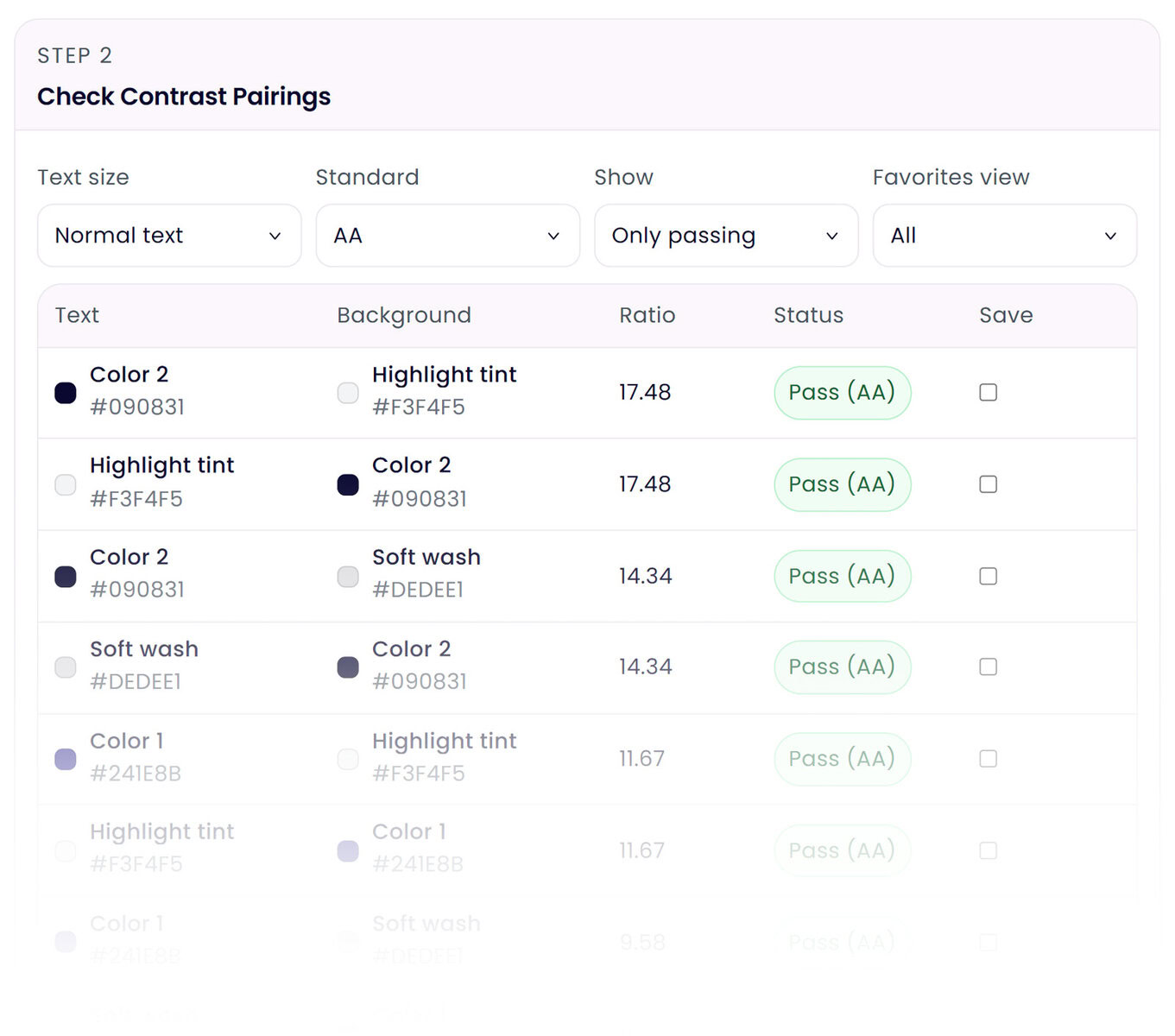
The Brand Style Guide Builder helps you organize your brand colors, typography, and visual rules into a polished guide you can actually use. Generate color pairings for text and buttons, create gradients from your palette, and define typography hierarchy so your brand stays consistent across your website, social media, and marketing materials.

Perfect for designers and business owners who want a simple way to structure and document their brand identity.

Category:

Description

The Brand Style Guide Builder helps you turn scattered brand ideas into a clear, organized brand system you can actually use. Define your brand colors, typography, and visual hierarchy in one place, then structure everything into a polished brand guide that keeps your website, social media, and marketing materials consistent. Beyond simply listing colors, the tool also helps you create practical color pairings for text, buttons, and backgrounds, check contrast, and even generate beautiful gradients from your palette. This makes it easier to design interfaces, graphics, and content that look cohesive and professional. Whether you’re a designer building a client style guide or a business owner organizing your brand for the first time, the Brand Style Guide Builder simplifies the process and gives you a clear visual reference you can use across your entire brand.

Brand Style Guide Features

Build a Complete Brand Color System

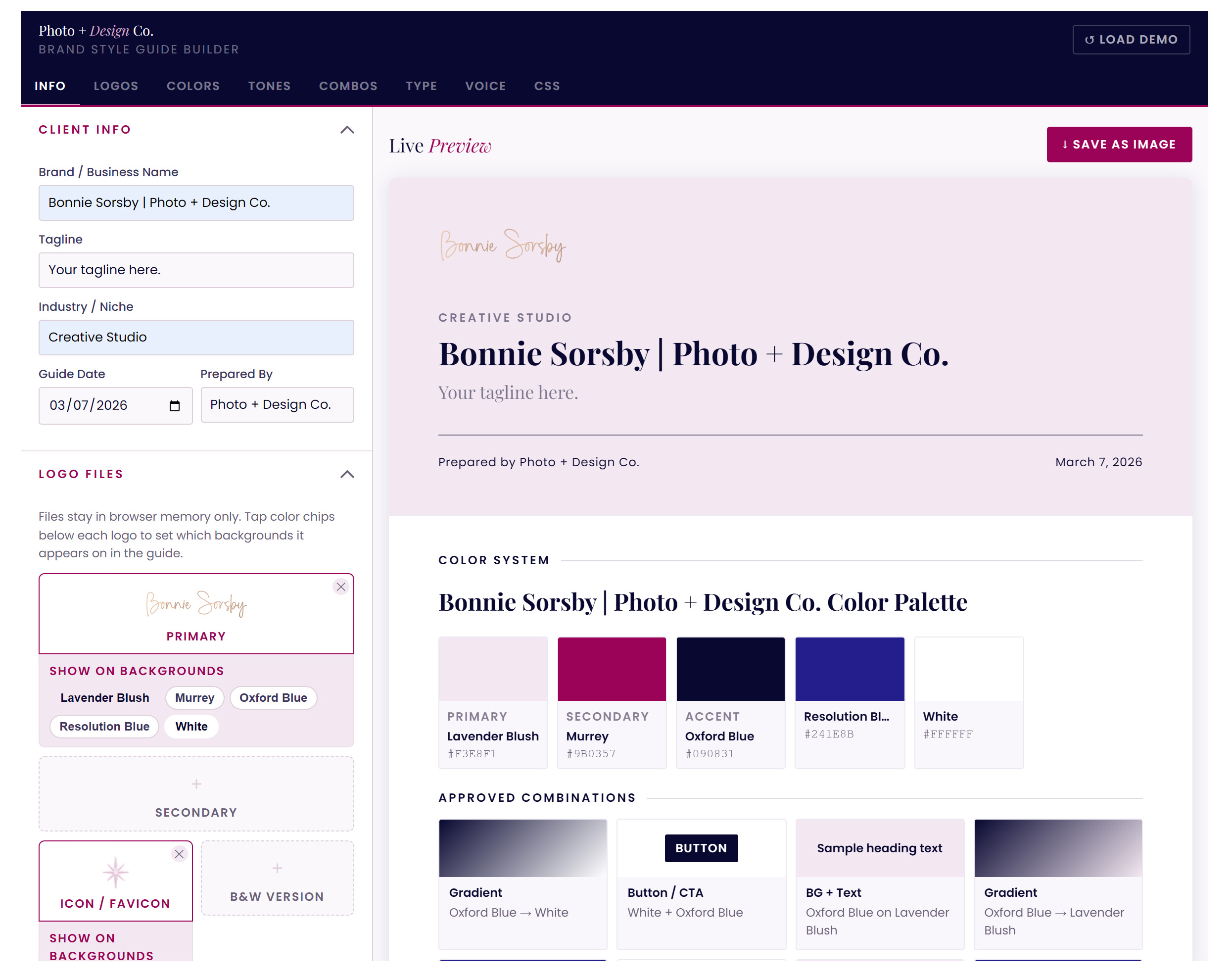
Organize your primary, secondary, and accent colors so your palette works across your website, social media, and marketing materials. You can even easily add extra tones and shades to increase palette versatility.

Create Smart Color Pairings

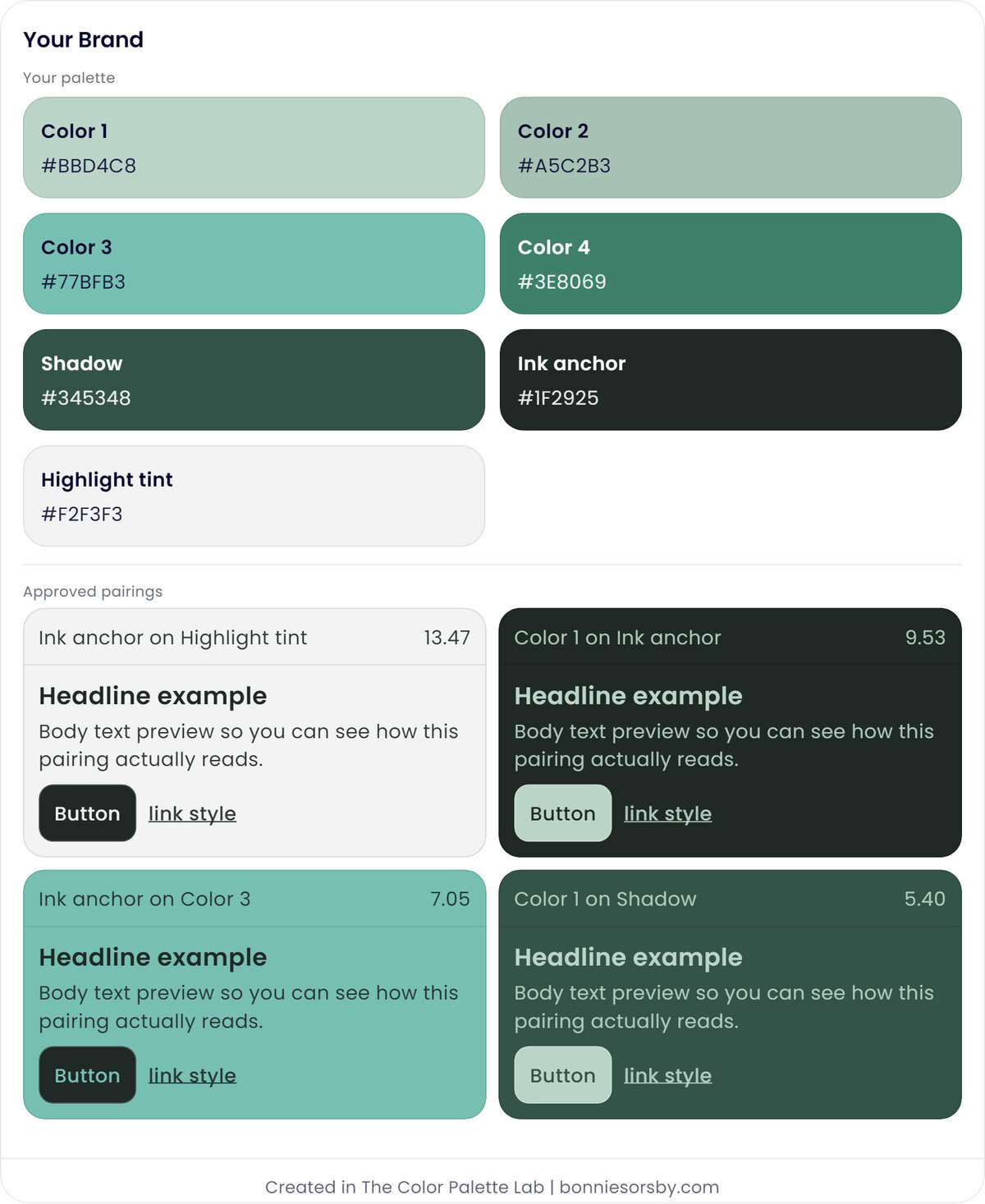
Generate accessible and visually balanced text and background color pairings for headings, body text, and buttons so your designs stay readable and polished.

Design Button and UI Color Combinations

This is a flexible section where you can share anything you want. It could be details or some information about feature three.

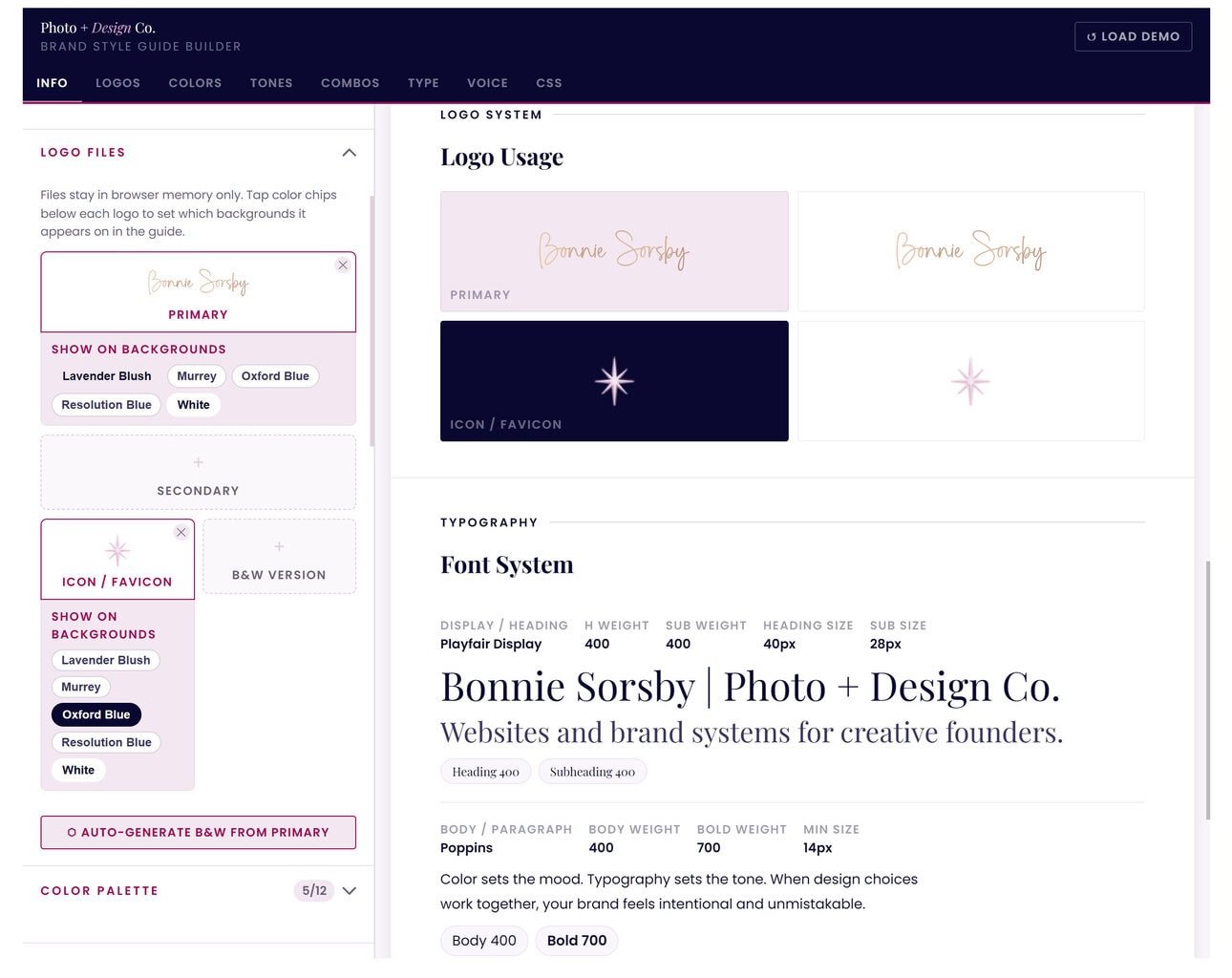
Define Logo Color Pairings

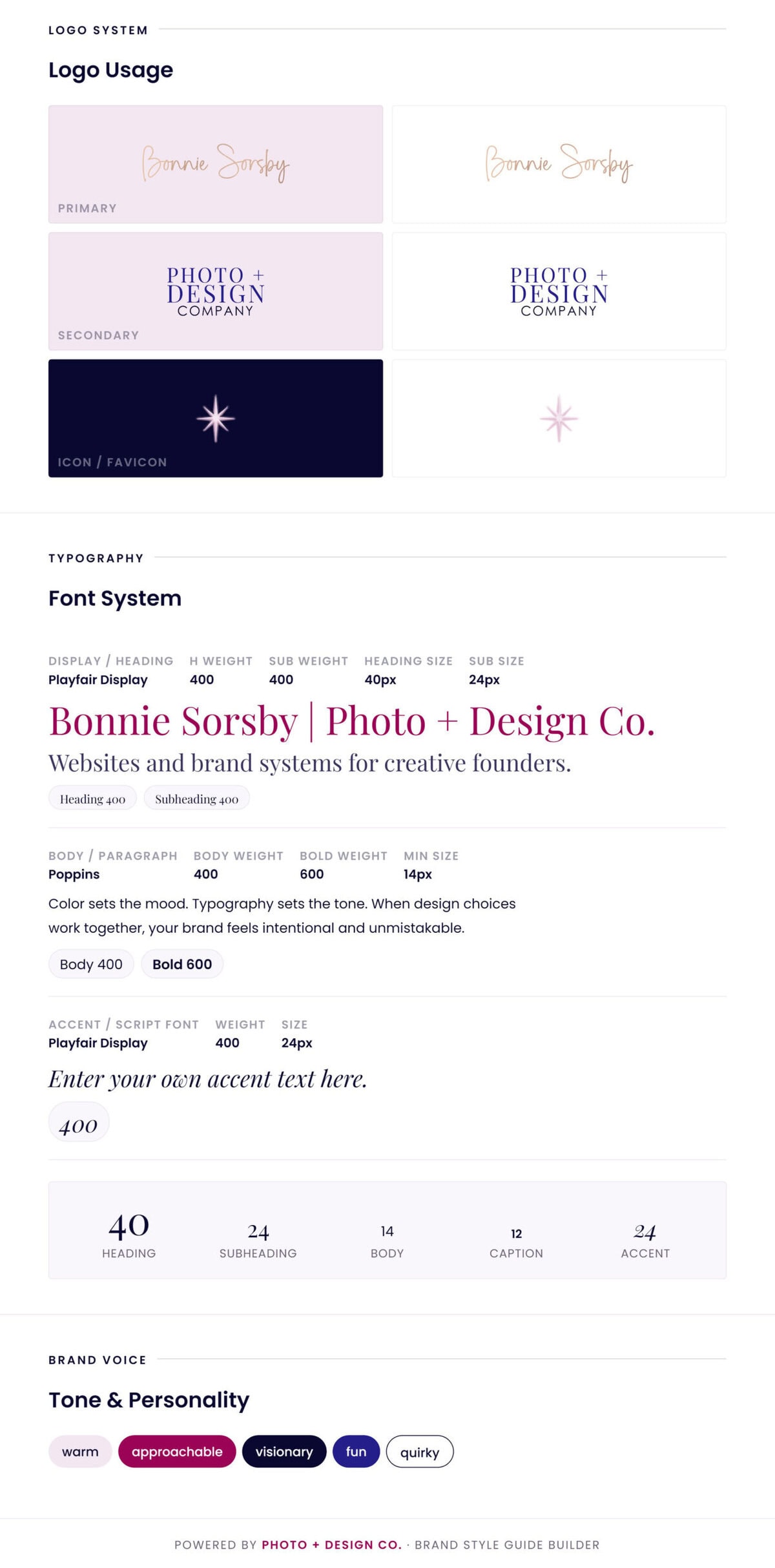
Establish which colors work best for your primary logo, secondary logo, and icon or favicon, ensuring your brand mark stays clear and recognizable across different backgrounds. The tool can also automatically generate optional black and white logo variations so you always have a clean fallback for print, overlays, or minimal layouts.

Define Your Typography System

Assign fonts and sizes for headings, body text, and accent typography so your brand voice stays consistent everywhere.

Visualize Your Brand in One Place

See your colors, typography, and brand elements together so you can quickly evaluate how your identity works as a whole.

Curate Gradients

Add approved gradients directly from your palette to add depth and visual interest to backgrounds, banners, and graphics.

Establish Hierarchy and Usage Rules

Set clear guidelines for how colors and fonts should be used so your brand visuals remain cohesive across platforms.

Establish Your Brand Voice and Tone

Document the personality behind your brand. Define your tone, voice, and messaging guidelines so your copy stays consistent across your website, social media, and marketing. Add notes, rules, or examples that help keep your brand communication clear, recognizable, and aligned with your overall identity.

Export a Clean Guide

Generate a polished reference you can share with designers, developers, collaborators, or future you.

Export CSS Design Tokens if You Need to

Automatically generates CSS variables from your brand colors so developers can implement your palette consistently across websites and applications.

You could have built your brand guide already.

Seriously — the Brand Style Guide Builder is designed to be fast.

In the time it took to read this feature list, you could already have your colors, typography, and brand rules organized into a polished guide.

Shopping Cart