
How to Choose Website Colors (Without Overthinking It)
Choosing website colors sounds simple until you’re staring at a screen wondering why nothing looks right together.
You save palettes. You try what “should” work. You adjust one color and suddenly the whole thing feels off again. If this feels harder than it should, you’re not wrong. Website colors behave differently than inspiration boards, logos, or single images. They have to work across pages, text blocks, buttons, backgrounds, and real humans reading them.
The good news is this doesn’t have to be a guessing game.
Why choosing website colors feels so hard
Most people start with aesthetics. A vibe. A mood. A palette they like.
The problem is that a website color scheme has to look good on every page it touches, and the colors have to function together over and over again. A website color palette has to support readability, hierarchy, and consistency across an entire experience.
What looks great in a mockup can fall apart once you add body text, headlines, buttons, and multiple pages. That disconnect is usually where frustration sets in.
Start with function
Before worrying about whether a color feels modern or on trend, it helps to ask a more practical question. Can people comfortably read this?
Function comes first. Always.
Your background colors need to support your text. Your accent colors need to stand out without shouting. Your buttons need to be obvious without clashing. When colors are chosen only for how they look together, readability is usually the first thing to suffer.
Once function is in place, aesthetics become easier, because you’re building on a stable foundation.
How many colors a website needs
This is one of the most common questions, and the answer is usually simpler than people expect.
Most websites only need:
- One primary color
- One or two secondary colors
- One accent color
- A small set of neutrals
That’s it.
More colors usually create more visual noise. A focused palette gives you flexibility and consistency, which is what makes a website feel intentional and professional.
How to assign a role to each website color
Knowing you need 4 or 5 colors is half the decision. The other half is deciding where each one goes, and this is where most palettes that look lovely in a swatch strip start to fall apart on a real page. A common starting point is the 60-30-10 split: roughly 60% of the page in your main neutral or background color, 30% in your secondary color, and 10% in your accent.
In practice that means your background and body text come from the neutrals, your headings and section backgrounds come from the primary and secondary colors, and the accent is reserved for the things you want clicked, like buttons, links and the one line you want people to notice. If the accent shows up everywhere, it stops pointing anywhere. Keep it rare and it does the job of a signpost.
How to choose website colors from your brand
If you already have brand colors, start there, and then expect to adjust them. A color that looks rich on a printed card can look heavy on a phone, and a soft pastel that feels calm in a logo might disappear as a button. It often helps to keep the exact brand color for your logo and headings, then mix a lighter tint for backgrounds and a deeper shade for text and buttons. If you’re building from scratch, my guide to building a brand color palette covers the brand side first, and these website color scheme ideas are a good place to see combinations that already work on a page.
Test your colors before committing
This is where most people skip a step.
Instead of locking in colors based on instinct alone, it helps to test how they work together across different uses. Backgrounds with text. Buttons on sections. Accents next to neutrals.
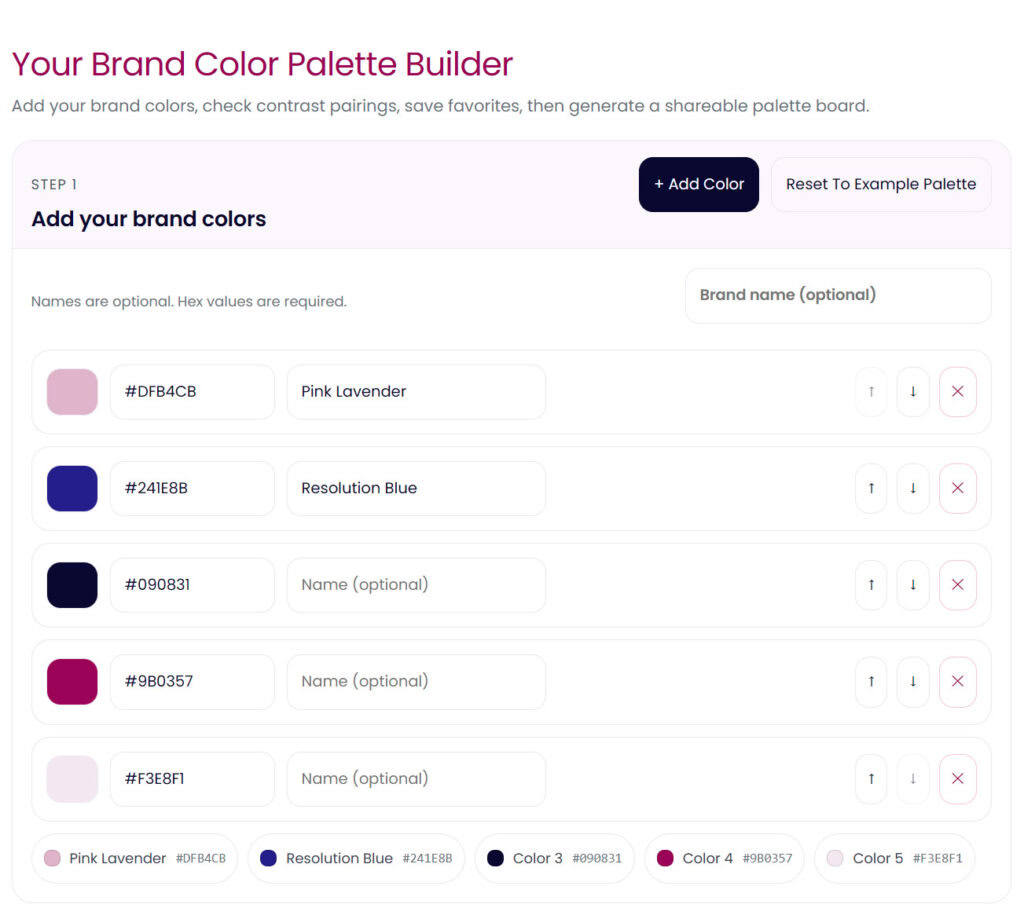
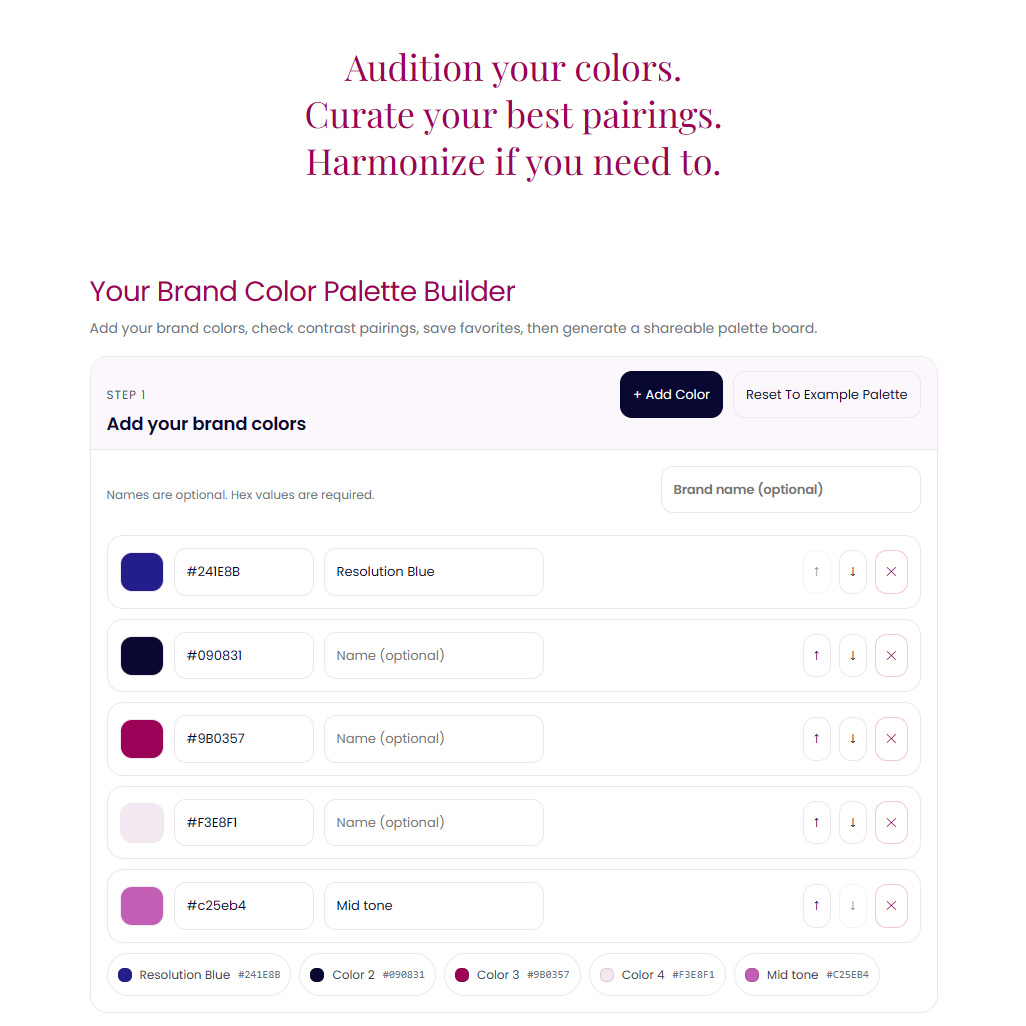
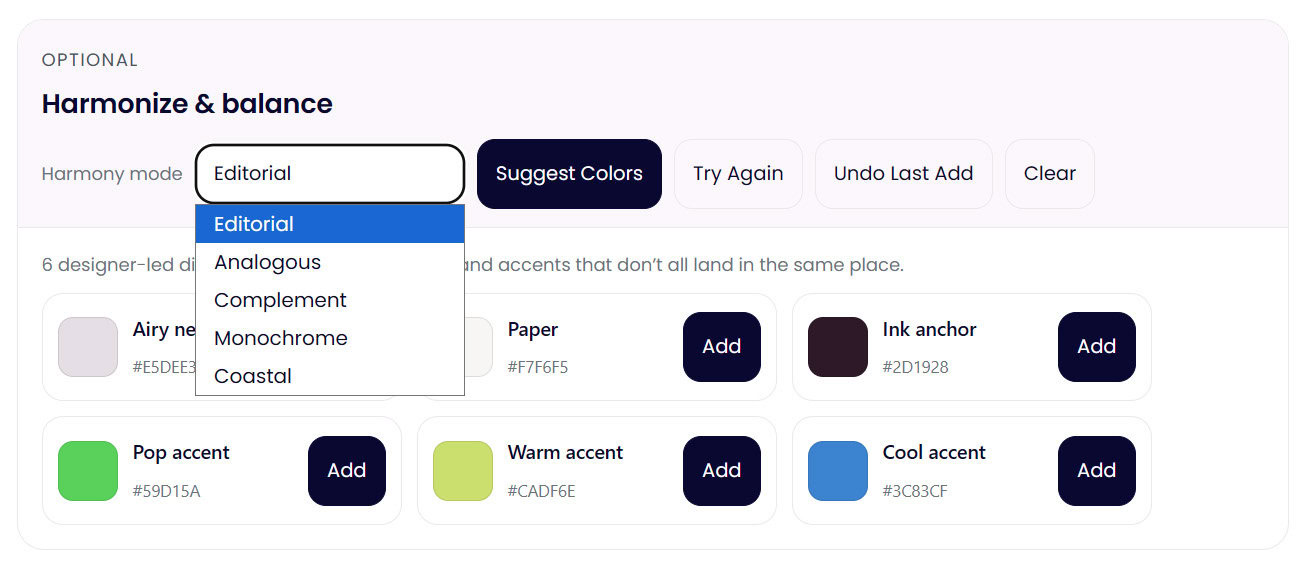
This is exactly why I built my Color Palette Builder. It lets you test combinations, refine them, and see how your palette behaves before you commit to it. It’s designed to support the process.
Testing early saves a lot of second guessing later.
Check your website color contrast
Contrast is one of those things people don’t notice until it’s wrong.
Low contrast makes a website feel harder to read, less trustworthy, and more tiring to interact with. Even beautiful color choices can fail if the contrast isn’t working where it matters most.
If you want a quick gut check, my free color contrast checker lets you test color pairings instantly so you can see what’s working and what needs adjusting, with the ratio worked out for you.
Choosing website colors is a process
Refining a palette means you care and you’re paying attention. Professional designers test, adjust, and evolve palettes until they support the brand and the experience.
Future proof website colors come from building a system that can grow with your content, your offers, and your audience.
When you approach color this way, confidence replaces guessing. And everything downstream gets easier.
If you want help testing, refining, and building a website color palette that works in real life, you can explore the Color Palette Builder or start by checking your contrast for free. Both are there to support the process.